Questions? Email me at chrisfavour296@gmail.com. I reply to everyone myself.
Photo of Favour
@corporatechictravels

You film it. Claude edits it.

No apps to learn. No stress.
No tech skills needed.

raw clip
edited by Claude
From £27 · or I'll do it for you

Easy video editing.

Film on your phone, then tell Claude what you want in plain English. It cuts the pauses, adds the captions, and hands you a finished video for Facebook or the family.

See the options it's easier than you think.
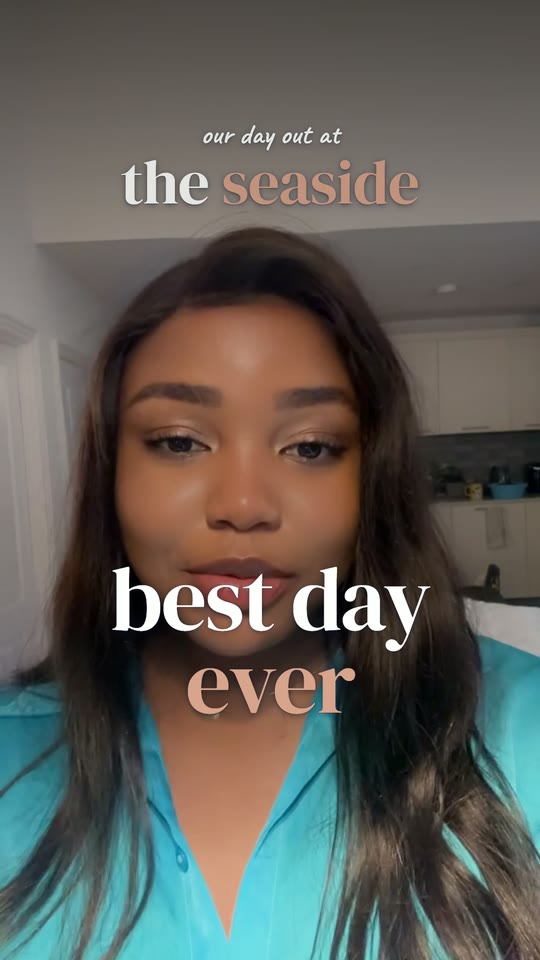
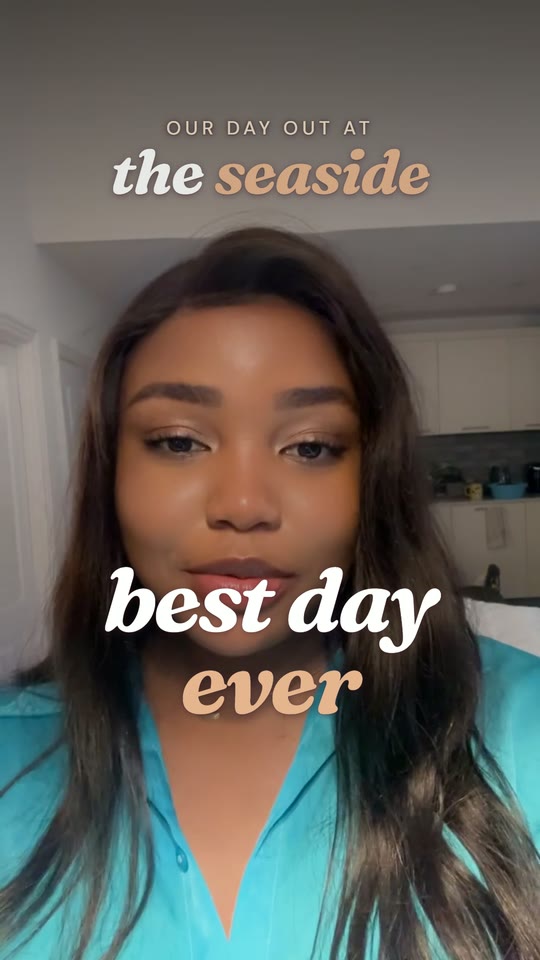
What you get

Your own video editor, ready to go.

All of this goes on your computer, whichever option you pick. The options only change how much help you get setting it up.

  1. 01

    Your own video editor

    Claude, set up as your personal video editor. Drop in the videos from your phone and tell it what you want, like texting a friend. It picks your best take of each sentence, cuts the long pauses without chopping your words, adds easy-to-read captions, and remembers your notes for next time.You film. It edits.

  2. 02

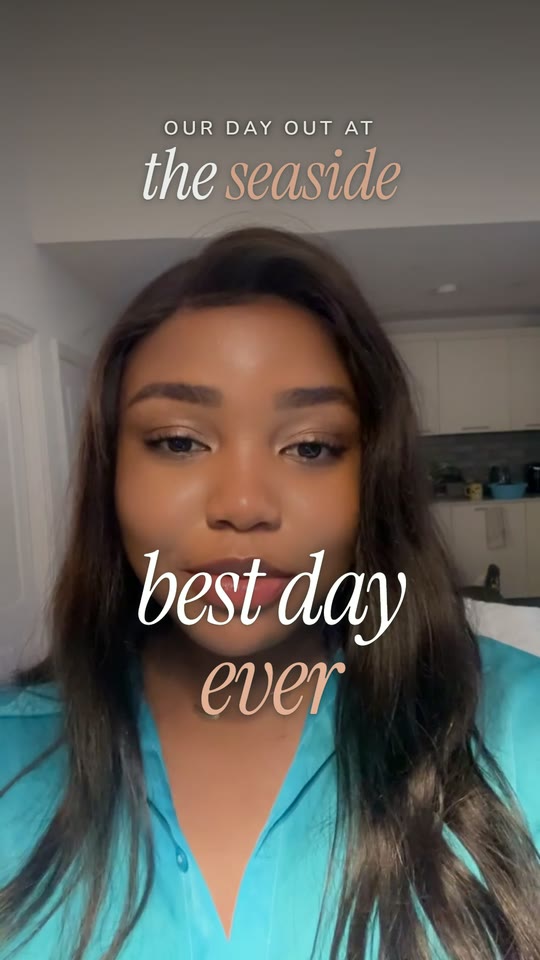
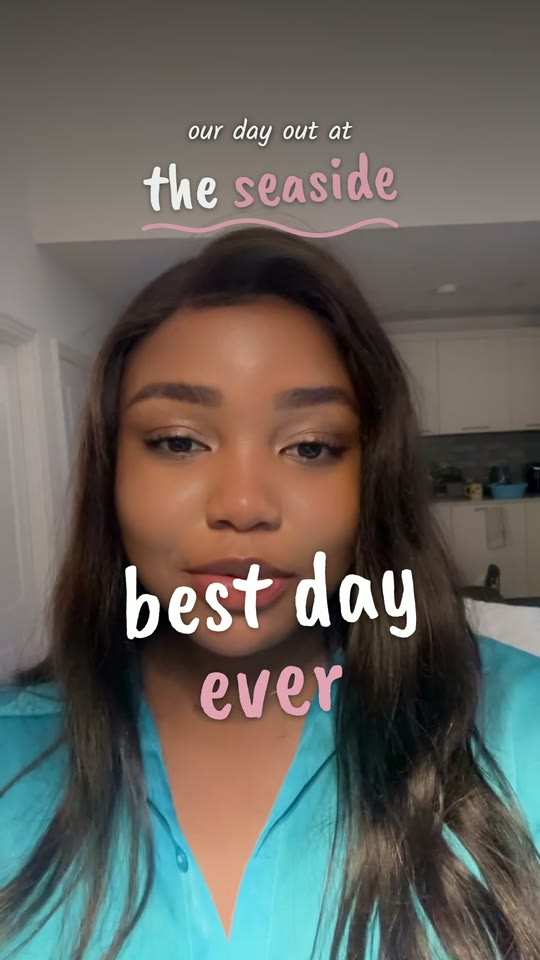
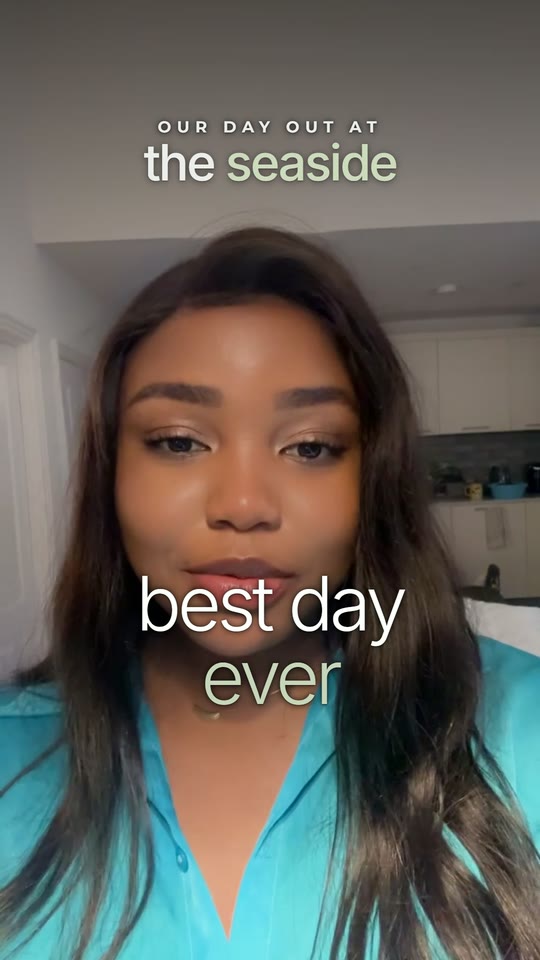
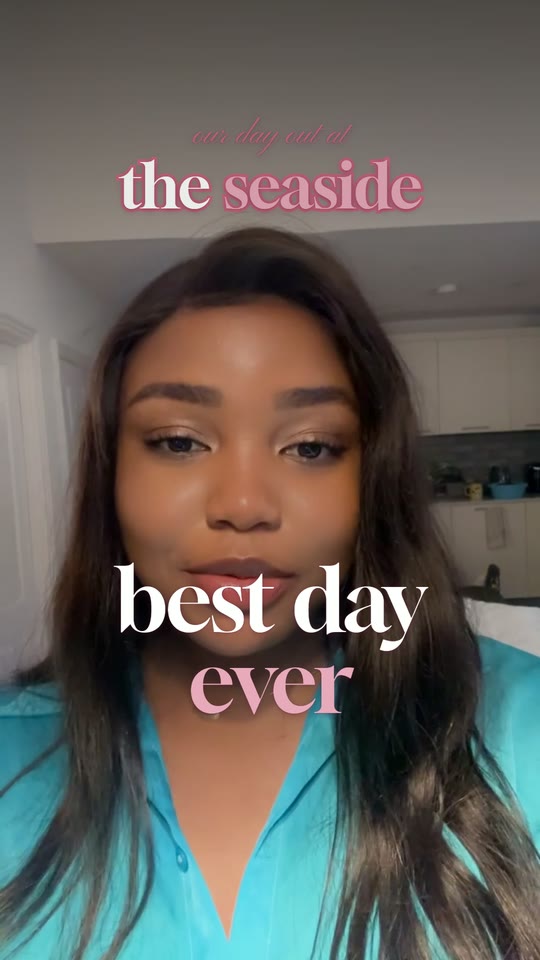
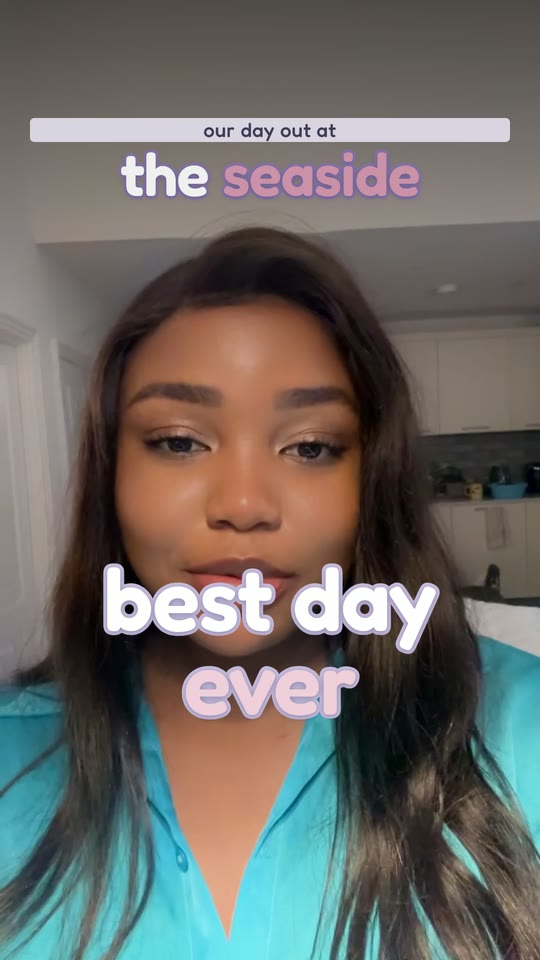
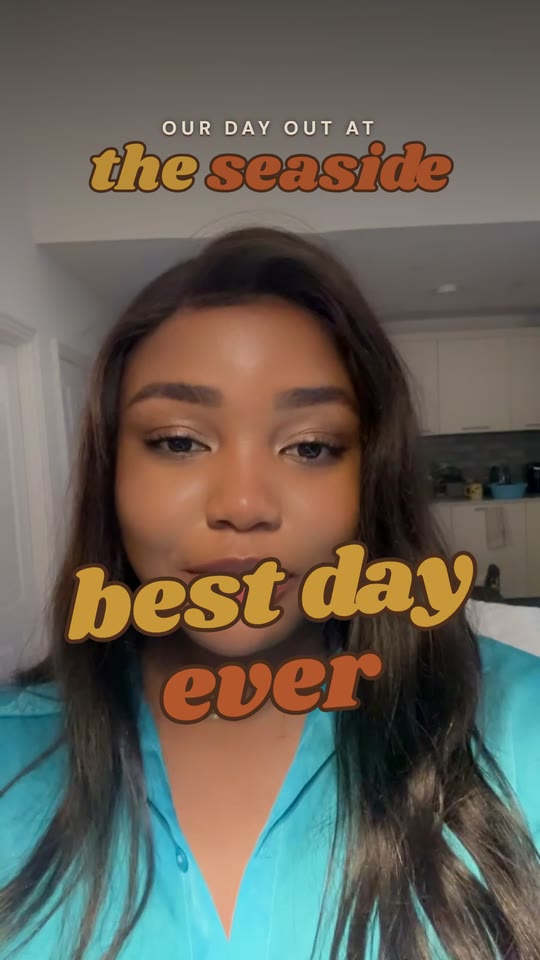
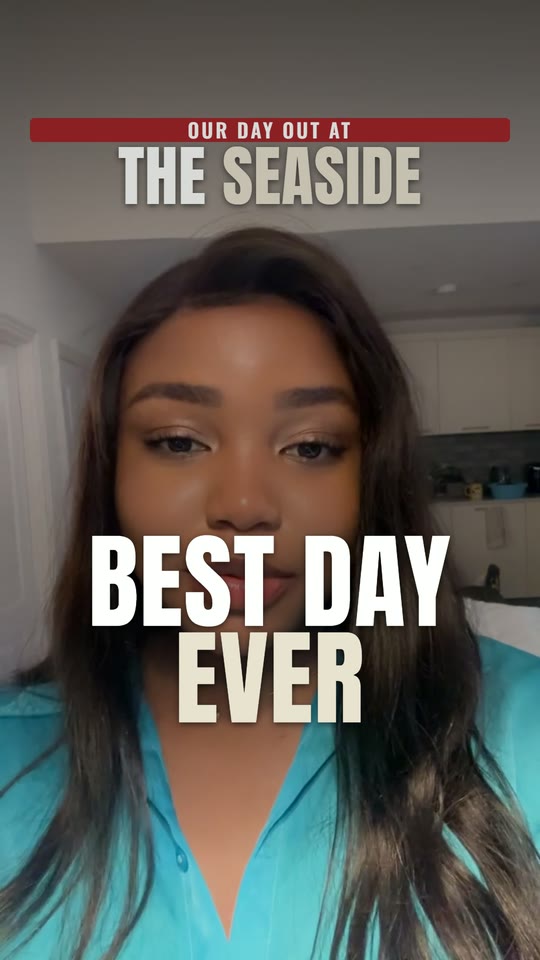
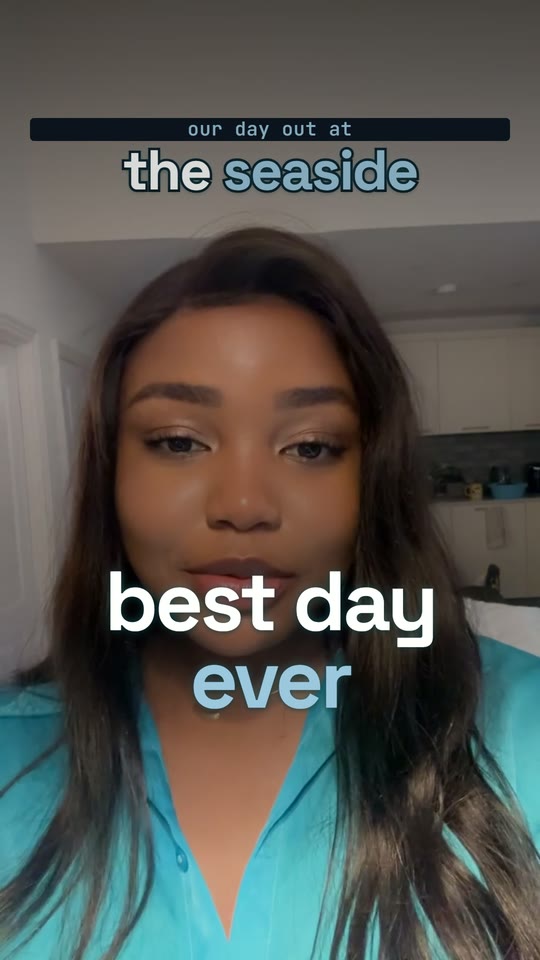
    17 ready-made looks

    Pick a look and the fonts, colours and captions all match, from soft and pretty to bold and bright. Or use one built from your own colours.Every video looks put-together.

  3. 03

    45 effects and animations

    Put the place you're talking about behind you, pop up your photos, draw your trip on a map, or show a checklist or a price. You ask for them in plain words.Say "put Paris behind me" and it does.

  4. 04

    Holiday videos with your voice

    Got lots of short clips from a trip or a family day? Record yourself talking about it, and Claude matches the right clip to each thing you say.Your day out, told properly.

  5. 05

    Clear sound and a cover photo

    It cleans up background noise and echo, and makes a cover picture for each video so it looks lovely on your page.Ready to post as soon as it's done.

  6. 06

    Help setting it all up

    Follow the step-by-step guide yourself, or have me set it up with you on a call. You choose. Help by email is included either way.You're never on your own.

Get my video editor one payment. no subscription to me.
More before & after
raw clip
edited by Claude

My two money rules.

Raw 3 min 32 sec → finished 1 min 48 sec

  • Half the length
  • Mistakes removed
  • Word-by-word captions
  • Headline added
raw clip
edited by Claude

A story-time video.

Raw 2 min 51 sec → finished 2 min 37 sec

  • Slow start trimmed
  • Bold title
  • Captions

Tap "Sound" on any video to hear it. I didn't touch any editing software for these.

17 looks included

Pick a look. Change it any time.

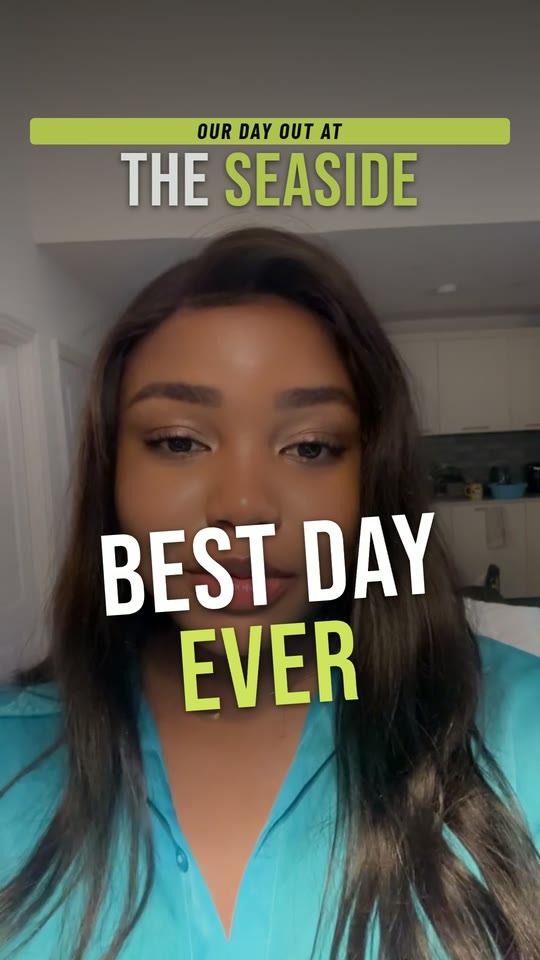
Tell Claude which look you want and the whole video matches: titles, captions and colours.

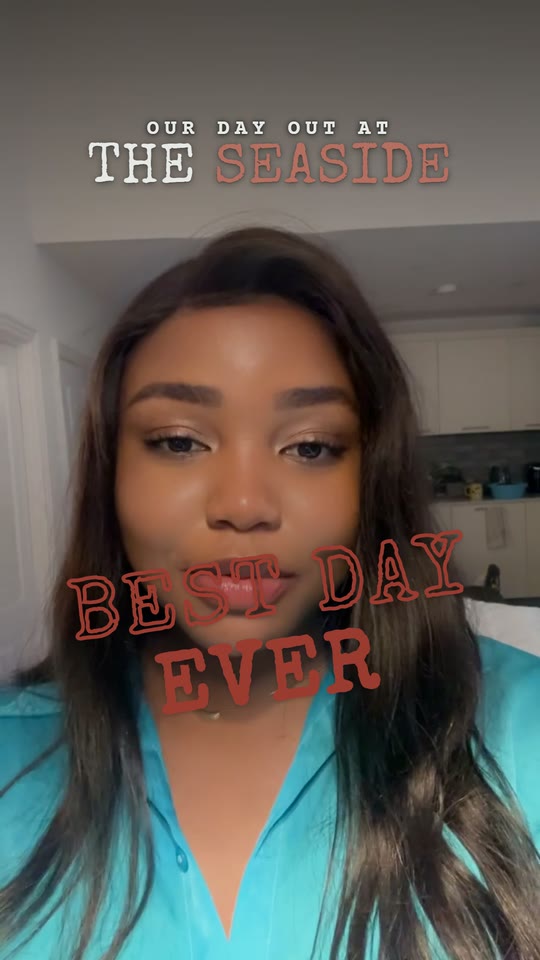
The Postcard look
PostcardClassic travel, calm captions
The Golden Hour look
Golden HourWarm sunset glow
The Sunday look
SundaySlow and soft
The Scrapbook look
ScrapbookHandwritten travel journal
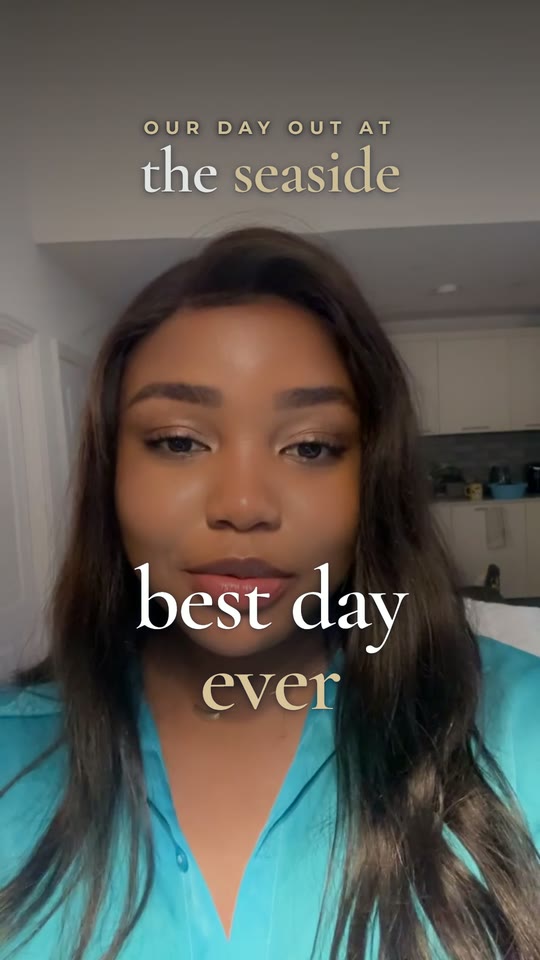
The Clean and Minimal look
Clean & MinimalQuiet and airy
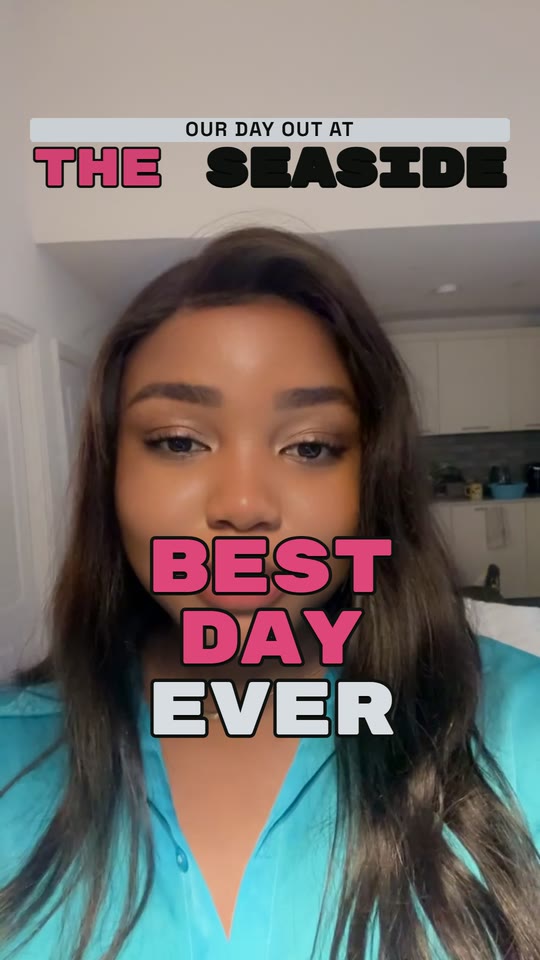
The Blush look
BlushPink and pretty
The Passport look
PassportBoarding passes and stamps
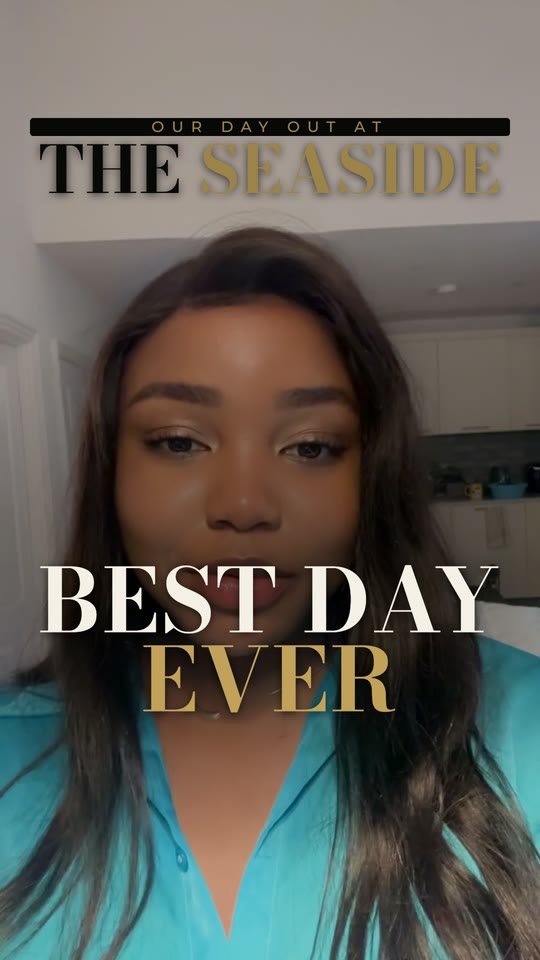
The Noir Luxe look
Noir LuxeBlack and gold
See 8 more looksShow fewer looks
The Corporate Chic look
Corporate ChicElegant, navy and gold
The Souvenir look
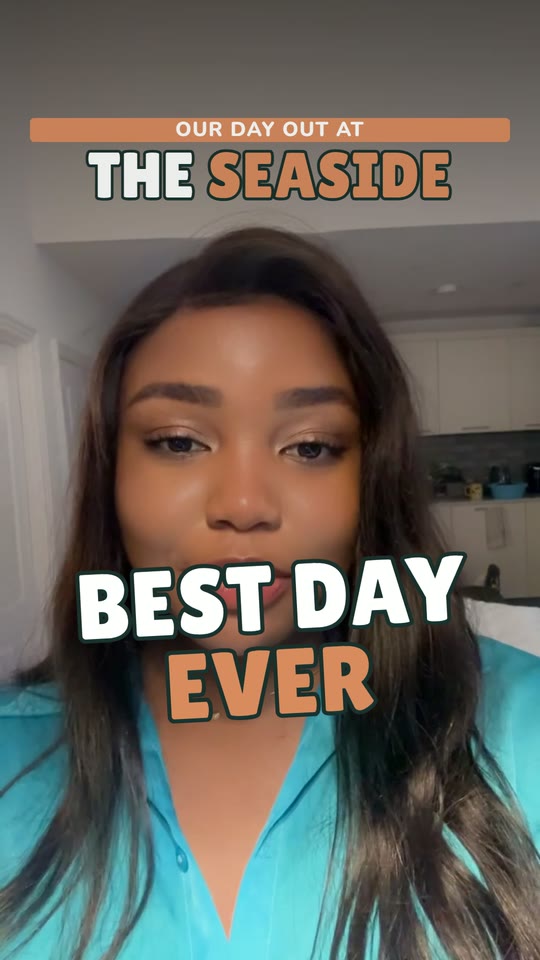
SouvenirBold, like a travel sticker
The Pastel Dream look
Pastel DreamSoft and sweet
The Retro 70s look
Retro 70sWarm and groovy
The Headline look
HeadlineBreaking news style
The Midnight look
MidnightDark and techy
The Sport look
SportEnergy and speed
The Y2K Pop look
Y2K PopLoud and bright
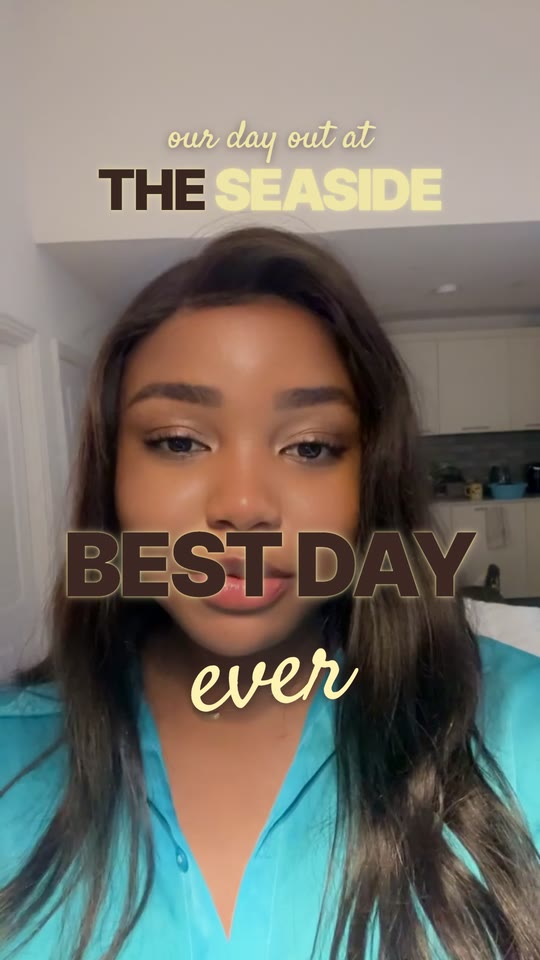
A look built from my own brand colours: espresso brown and butter yellow
Look 17

Or your own look

Tell Claude your favourite colours and it builds a look just for you, so every video feels like yours.

45 effects and animations

Ask in plain words. It does the rest.

A few favourites. Every picture here is a real frame from my own videos.

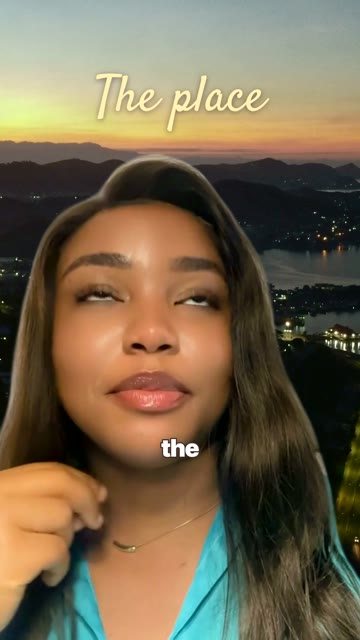
Example: a sunset view placed behind me while I talk

The place behind you

What it does

Puts the place you're talking about right behind you, like a TV presenter.

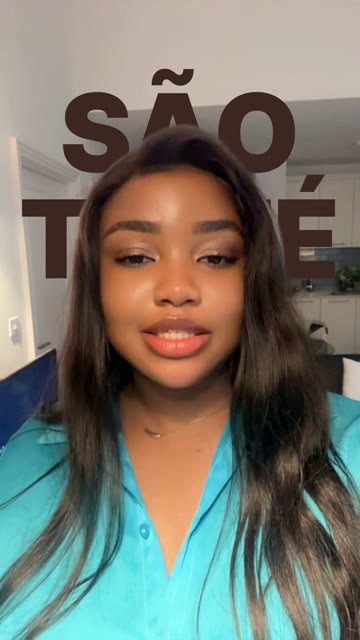
Example: the words São Tomé shown behind my head

Words behind your head

What it does

Big words appear behind you, not over your face. A magazine-cover feel.

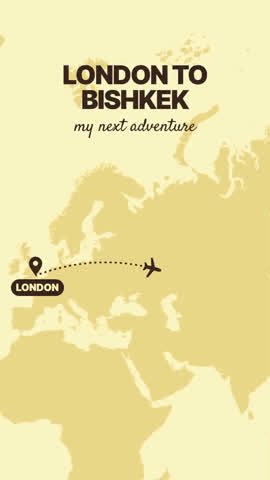
Example: a map with a flight path from London to Bishkek

Your trip on a map

What it does

Draws a little plane flying from home to where you went.

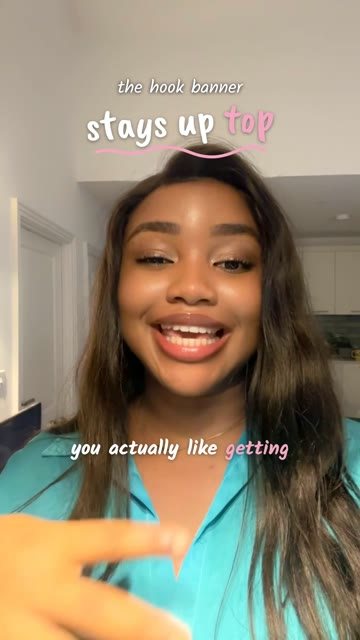
Example: captions under my chin, lighting up word by word

Word-by-word captions

What it does

Big captions that light up as you speak, so people can follow without sound.

See all 45 effectsShow fewer

Captions (4)

  • Word-by-word captions
  • One word at a time
  • Calm phrase captions
  • Highlighted words

On-screen extras (16)

  • The place behind you
  • Headline at the top
  • Hook card
  • Big title above your head
  • Title card
  • Full-screen words
  • Big statement
  • Number count-up
  • Thought bubble
  • Short note
  • Photo pop-ups
  • Taped-on photos
  • Screenshot card
  • Stamp
  • Split screen
  • Video window

Video effects (13)

  • Words behind your head
  • Clone yourself
  • Colour pop
  • Echo trail
  • Flash
  • Freeze frame
  • Glitch
  • Glow outline
  • Punch-in zoom
  • Shake
  • Photo split
  • Spotlight
  • Studio background

Animations (12)

  • Flight path map
  • Map pins
  • Checklist
  • Step-by-step list
  • Receipt
  • Star rating
  • Text messages
  • Bar chart
  • Big percentage
  • This vs that
  • Phone screen
  • Magazine page
Sound familiar?
You've got lots of lovely videos on your phone, but they just sit there.
You tried an editing app once and gave up. Too many buttons.
You'd love to share videos on Facebook, but editing takes hours.
Your children or grandchildren could help, if only they had the time.

The tools were never made for you. This one is.

How it works

As easy as one, two, three.

1

Film on your phone

Talk to the camera, film your garden, your holiday, your hobby. Mistakes are fine.

2

Tell Claude what you want

Type it like a text to a friend: "Cut out my ums and add big captions."

3

Get your finished video

Claude does the editing. You post it on Facebook or send it to the family.

"make the writing bigger" · "cut the bit where i cough"

Choose your option

How much help would you like?

Both options get the full video editor, all 17 looks and all 45 effects. You just choose how you'd like it set up.

Easiest · Most popular

I'll do it for you

No stress at all. I set it up with you on a friendly video call.

£150one payment
  • Everything in "What you get"
  • I set everything up with you on your computer
  • You also get the Easy Guide to keep
  • Help by email afterwards
Set it up for me

The easy guide

For people who like to follow written steps.

£27one payment
  • Everything in "What you get"
  • Step-by-step PDF with big, clear pictures
  • Plain English, no jargon
  • Print it and keep it by the computer
Get the guide

Safe, secure payment · Pay once, no subscription to me · Prices in GBP

What you'll need

A computer

A Mac or a Windows laptop or desktop. Not an iPad, I'm afraid.

Your phone

To film your videos. Any smartphone with a camera is fine.

Internet

Your normal home Wi-Fi is perfect.

Space on your computer

About 20 GB free. I show you how to check.

A Claude plan

Claude Pro is about £18 a month, paid to Anthropic (the company behind Claude), not to me. You can cancel any time.

Photo of Favour
Hello, I'm Favour

I film it. Claude does the hard part.

Editing used to take me hours. Now I film on my phone, tell Claude what I want, and put the kettle on while it works. Every "edited by Claude" video on this page was made that way.

So many people would love to share their stories, travels and hobbies, but get put off by the technology. I've made this as simple as I possibly can. If you can send an email, you can do this.

rooting for you x
My promise

It works, or you don't pay.

If you can't get it working, email me within 7 days. I'll help until it works. If it still won't, I'll refund you. No fuss.

Your questions
I'm not good with computers. Can I do this?
Yes. You don't need any technical knowledge. If you'd rather not touch the setup at all, choose I'll do it for you and I'll do everything with you on a video call.
What is Claude?
Claude is a helpful AI assistant made by a company called Anthropic. You talk to it in plain English, like texting a friend, and it does the work. Here, it edits your videos.
How does the "do it for you" setup work?
After you book, I'll email you to pick a time. We have a friendly video call, I guide you through letting me see your screen, and I set everything up with you.
Are there any other costs?
You pay me once. Separately, you need a Claude Pro plan, which is about £18 a month paid to Anthropic. You can cancel that any time from your account.
Can I use my iPad or phone?
You film on your phone, but the editing needs a Mac or Windows computer. You just pop the videos onto your computer, and I show you how.
What kind of videos can I make?
Talking to camera, holidays, family moments, your garden, cooking, crafts, your small business. If you film it, Claude can tidy it up and add captions.
Which option should I choose?
If you're happy following written steps, the £27 guide. If you'd simply like it done with you, the £150 setup, which is the one most people pick.
What if I get stuck?
Just email me. I read and answer every email myself.
Ready when you are

Your videos deserve to be seen.

Stop letting them sit on your phone. Let's get them edited and shared.

Choose my option i'll help you every step.
See the options